Turn a phone photo into a print-ready ID photo sheet.
Clean up the background and arrange the selected ID photo size onto an L-size print sheet.
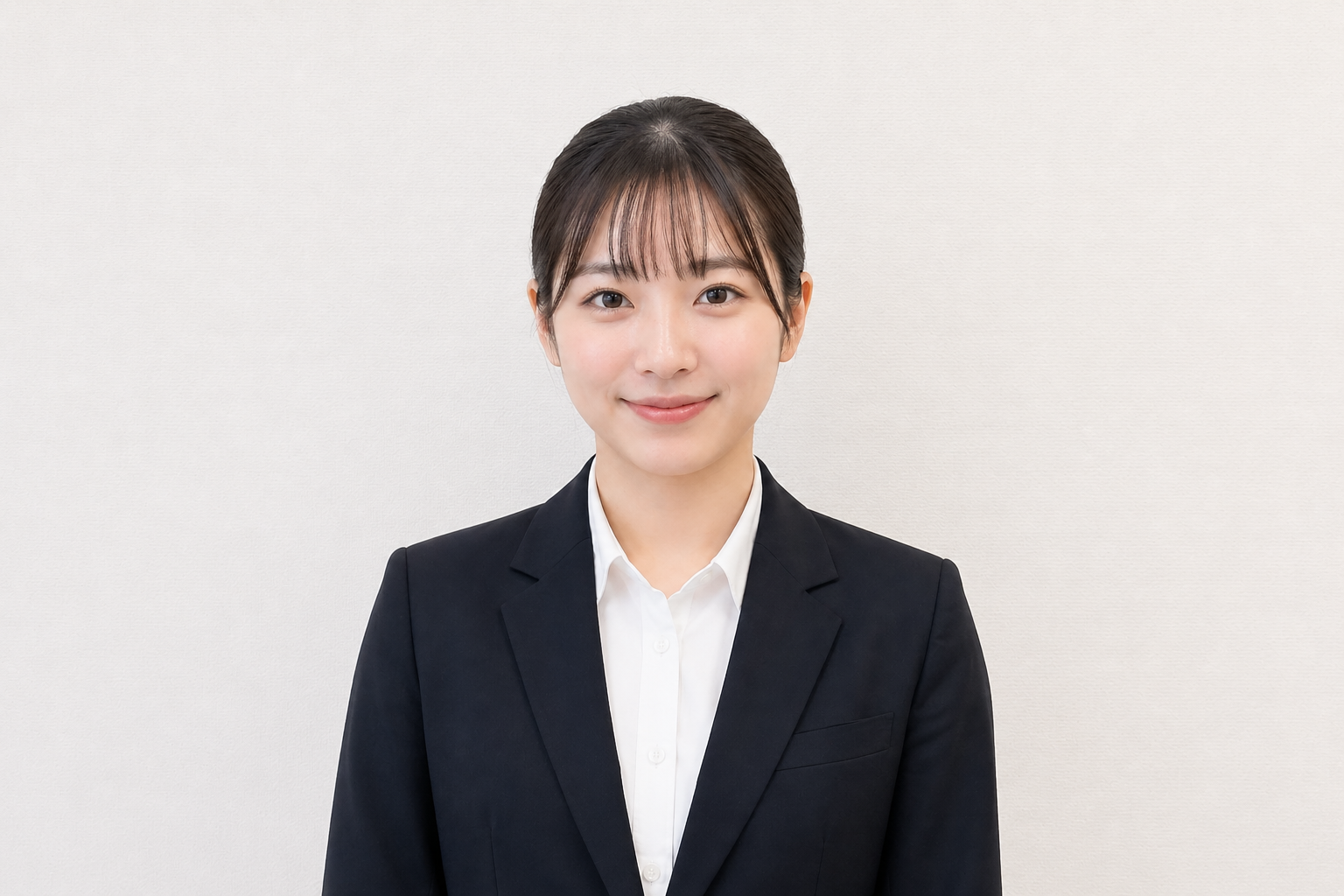
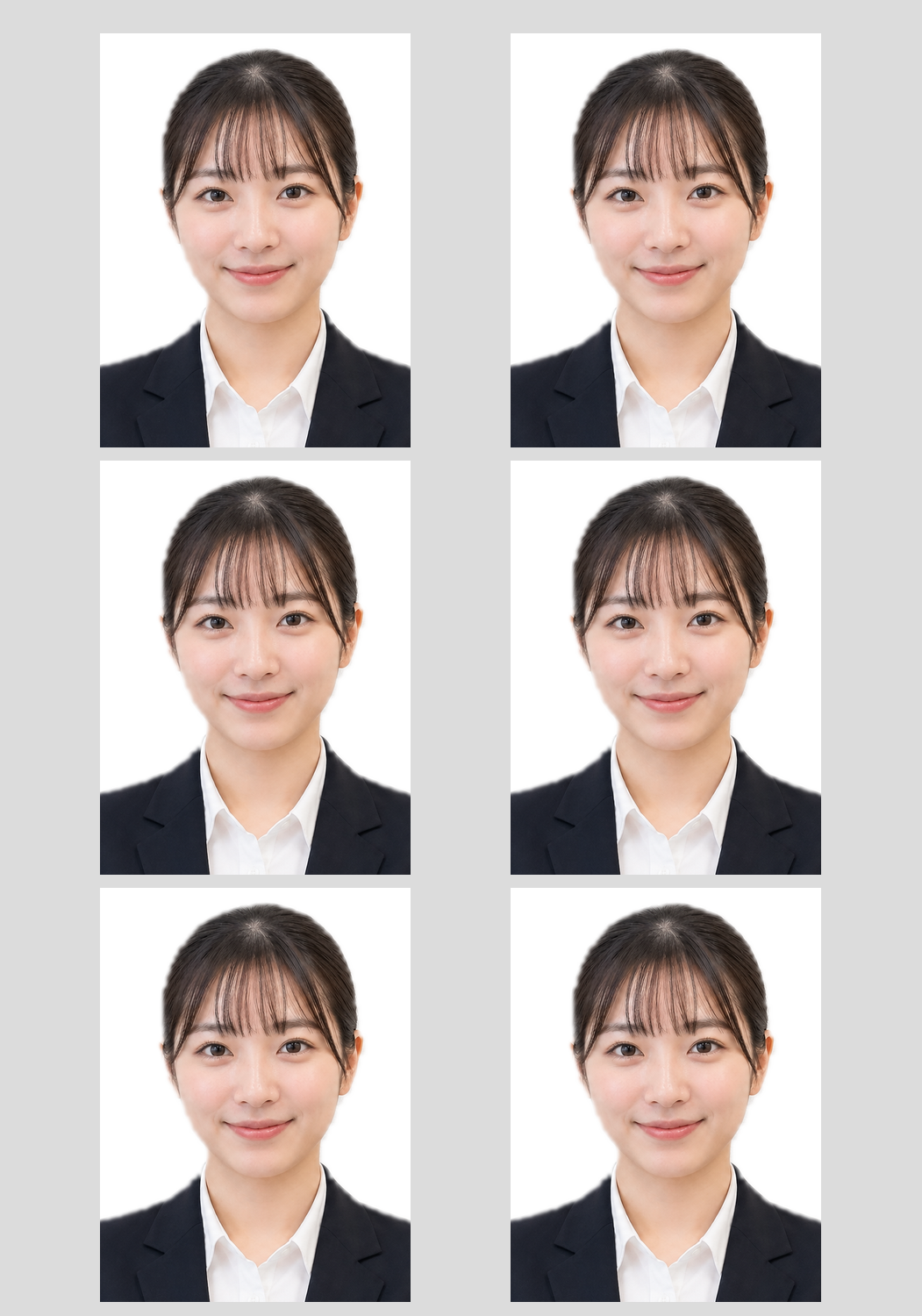
Use it for these purposes
For quick self-service sheets or a full studio shoot.
This tool is free to use. It is supported by ads and related Studio Age links, so use the studio option only if you need it.
If you want help with expression, posture, hair, and clothing, see Studio Age in Osaka.
Visit the ID photo studio pageCreate ID photo sheets
Choose a photo, background color, and size, then generate the sheet. The finished image downloads automatically.
Frequently Asked Questions
Can I print it at a convenience store?
Yes. You can print the generated L-size image through standard photo printing. See printing instructions for details.
Can I change the background color?
You can choose red, orange, yellow, green, blue, purple, brown, and other tones. Turn background replacement on to generate a background close to the selected color.
Can I use it for passport photos?
The 35 x 45 mm passport and My Number size is supported. Always confirm the latest requirements with the submission office.
Can I combine multiple photos?
Yes. Select multiple files within the limit for the chosen size and they will be combined into one print sheet.
Can I use this for fan-event ID-photo-style cards?
Use it only when the person, agency, or rights holder permits it and the official rules allow distribution. Avoid unauthorized photo use, sales, or commercial distribution.
- Retouching available
- Certification ID photos available
- Paid hair and makeup option